
Mic preamp
InterMic
A mic preamp for live vocals, with saturation, air and a gain rider. Bleed and feedback removal come with it.
- Latency
- 0 samples
- CPU
- 1 to 1.5%, Apple M4 Pro
- Formats
- VST3, Audio Unit
- Platforms
- macOS, Windows
- Channels
- Mono, stereo
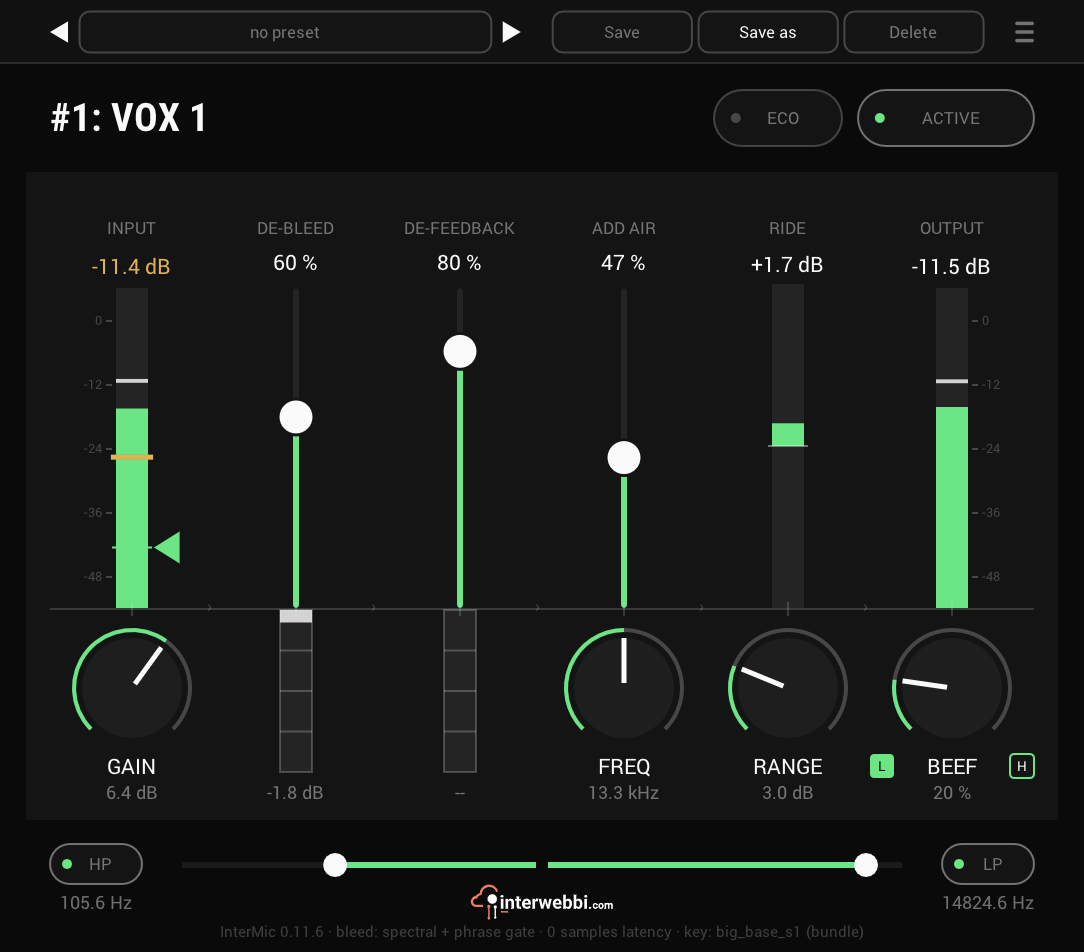
On the panel
Gain
The preamp's input gain, ±24 dB.
Beef
Saturation: L for the body of the voice, H for its top.
Add air
Puts back air above a corner you set with FREQ.
Ride
A gain rider, working within RANGE, up to 12 dB.
De-bleed
Removes the stage sound the vocal mic picks up, without gating the singer.
De-feedback
Finds feedback and notches it before it becomes a howl.
The preamp
Start here. GAIN sets the level going in. BEEF adds saturation, on the body of the voice with L or on its top with H, before anything else touches the signal.
Add air
ADD AIR puts back the air around a voice: the fader for how much, FREQ for where it starts. The panel prints the frequency it lands on.
- Amount
- 0 to 100%
- Freq
- 50 to 130% of the low-pass corner
The extras
Three things a vocal channel on a stage needs, in the same insert.
Ride
A gain rider that keeps the vocal at its level: it boosts within RANGE, up to 12 dB, and ducks further than it boosts.
De-bleed
Removes the music a vocal mic picks up off the stage, causally, without gating the singer. ECO swaps in a lighter model.
De-feedback
Finds acoustic feedback and notches it before it becomes a howl, with up to four notches at once.
Listen
Lead vocal, before
Specs
- Latency
- 0 samples
- CPU
- 1 to 1.5%, 14-core Apple M4 Pro, REAPER, every stage on
- Formats
- VST3, Audio Unit
- macOS
- Apple silicon and Intel
- Windows
- x64
- Channels
- Mono, stereo
- Version
- 0.11.8
Download
New in 0.11.8
De-bleed keeps more of the voice while you sing.
- It now follows the signal in 50 ms instead of 200, chosen by ear on stage takes.
- About 1 dB more of the chest register is kept, with the same bleed removed.
The rest of the family
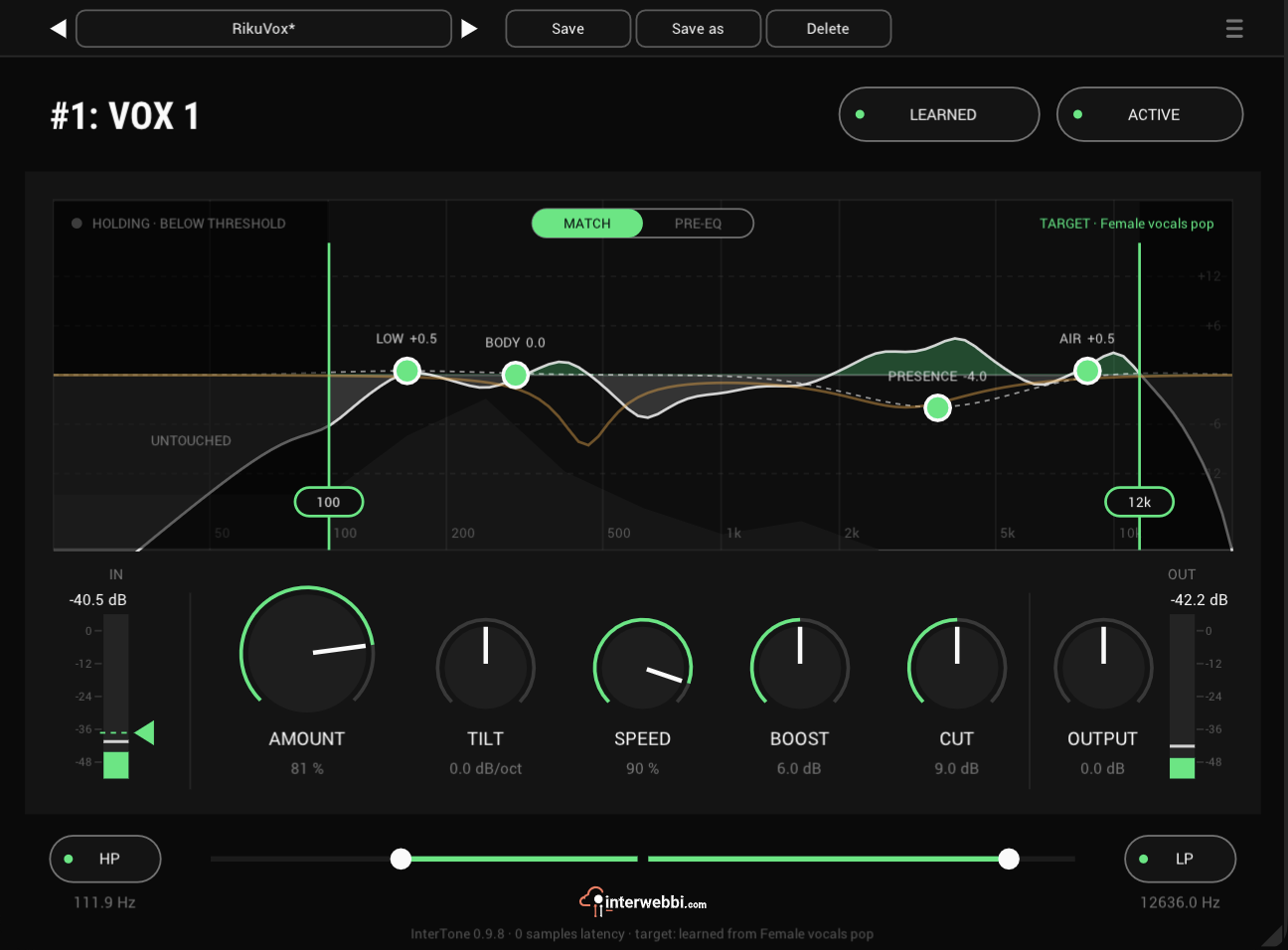
Adaptive tone
InterTone
Set the tone a source should have. It stays there as the playing changes, on vocals, guitars or drums.
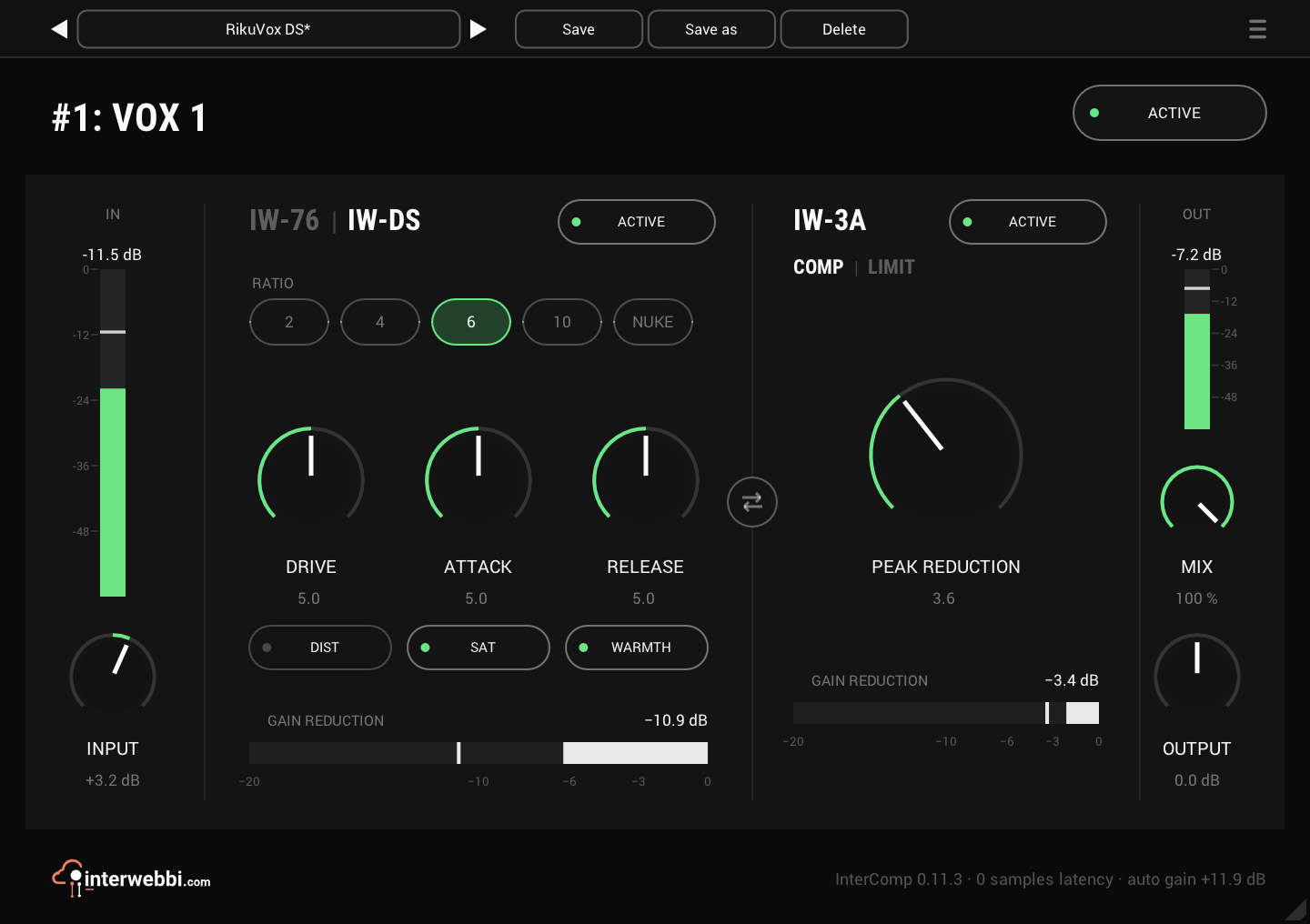
Compressor
InterComp
A fast first stage with two characters, then a smooth optical leveller, with auto gain.
The Suite
InterMic, InterTone and InterComp, in one installer.