
Adaptive tone
InterTone
Set the tone a source should have, and InterTone keeps it there as the performance changes: a singer moving on and off the mic, a guitar or a drum played harder or softer. Set SPEED to suit the source.
- Latency
- 0 samples
- CPU
- [CPU: to be measured]
- Formats
- VST3, Audio Unit
- Platforms
- macOS, Windows
- Channels
- Mono, stereo
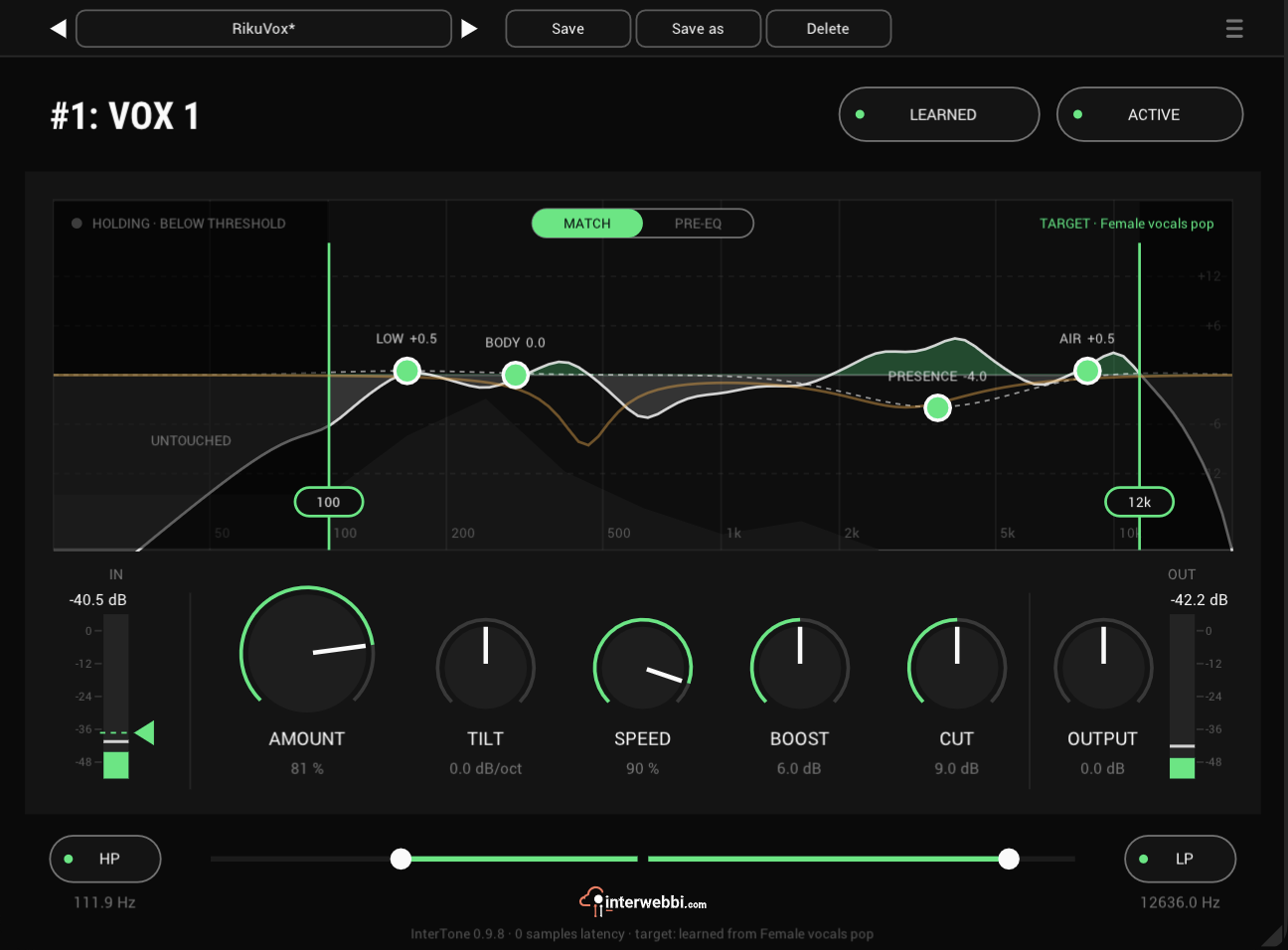
On the panel
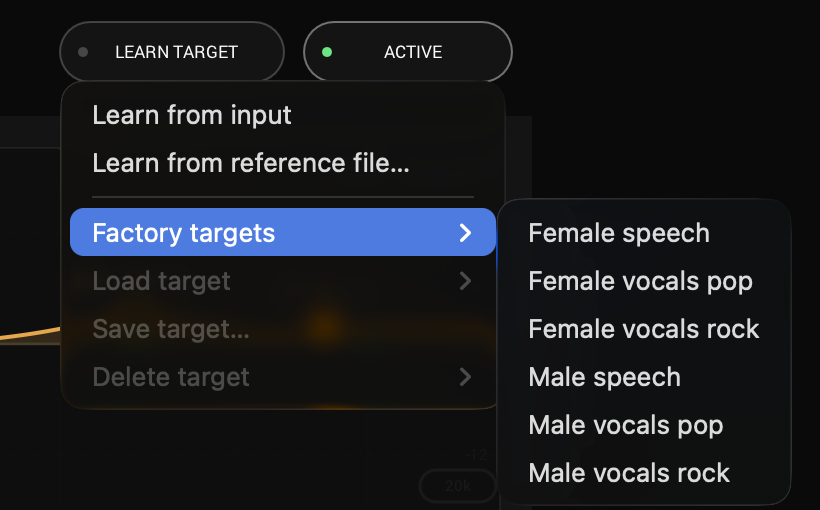
Learn target
Learns the tone to hold from the input, or from a reference file.
Tone regions
LOW, BODY, PRESENCE and AIR raise or lower the target in their range.
Processing range
Drag its two edges: the correction acts between them and leaves the rest alone.
Amount
How much of the correction you hear, with TILT beside it leaning the target darker or brighter.
Speed
How quickly the correction follows: 5.6 s at 0, 0.16 s at 100.
Boost and cut
The most the correction may boost or cut.
The target
You set the tone a source should have: learn it from the input at soundcheck or from a reference, or start from a factory target, then shape it with the four tone regions and TILT. InterTone keeps the source there, and the display shows whether it is adapting or holding.
Shape it first
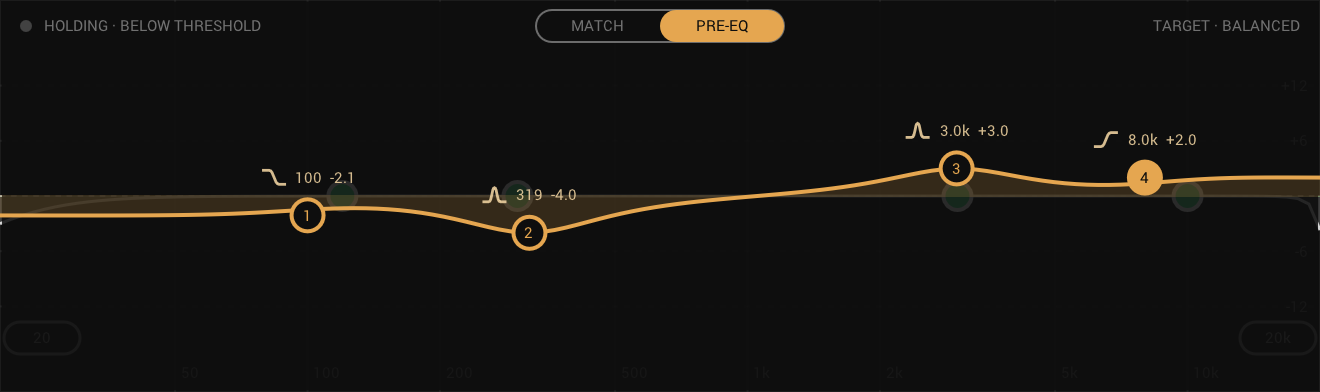
A four-node parametric EQ sits after HP and LP and ahead of the matching. Switch the display to PRE-EQ and shape the sound, then let InterTone hold what comes out to the target; back in MATCH, your EQ stays in view as the amber line. The matching leaves half of it alone, so a pre-EQ move stays in part even at a high AMOUNT.
- Nodes
- Four: shelf or bell, two bells, shelf or bell
- Gain
- ±18 dB
- Q
- 0.3 to 10
How it follows
SPEED sets how fast it follows, and lets go ten times faster than it reacts. Below the threshold you set with the wedge on the input meter, it stops adapting and holds the correction where it was.
- Speed
- 5.6 s to 0.16 s
- Release
- A tenth of the attack, at least 0.1 s
- Threshold
- The wedge on the input meter
And also
Processing range
Drag the two edges on the display to keep the correction to the part of the spectrum that needs it.
HP and LP
A high-pass and a low-pass filter first in the chain, so the rumble they remove never affects the correction.
Targets
Six factory targets for speech and vocals, and your own, learned from any source and saved under a name to load on any track.
Listen
Singer moving on and off the mic, before
Specs
- Latency
- 0 samples
- CPU
- [CPU: to be measured]
- Formats
- VST3, Audio Unit
- macOS
- Apple silicon and Intel
- Windows
- x64
- Channels
- Mono, stereo
- Version
- 0.9.8
Download
New in 0.9.8
A pre-EQ: four nodes ahead of the matching. Shape the sound first, then let InterTone hold it to the target.
- Switch the display to PRE-EQ to edit it.
- Double-click a region handle to reset it; shift-click switches it on or off.
The rest of the family
Mic preamp
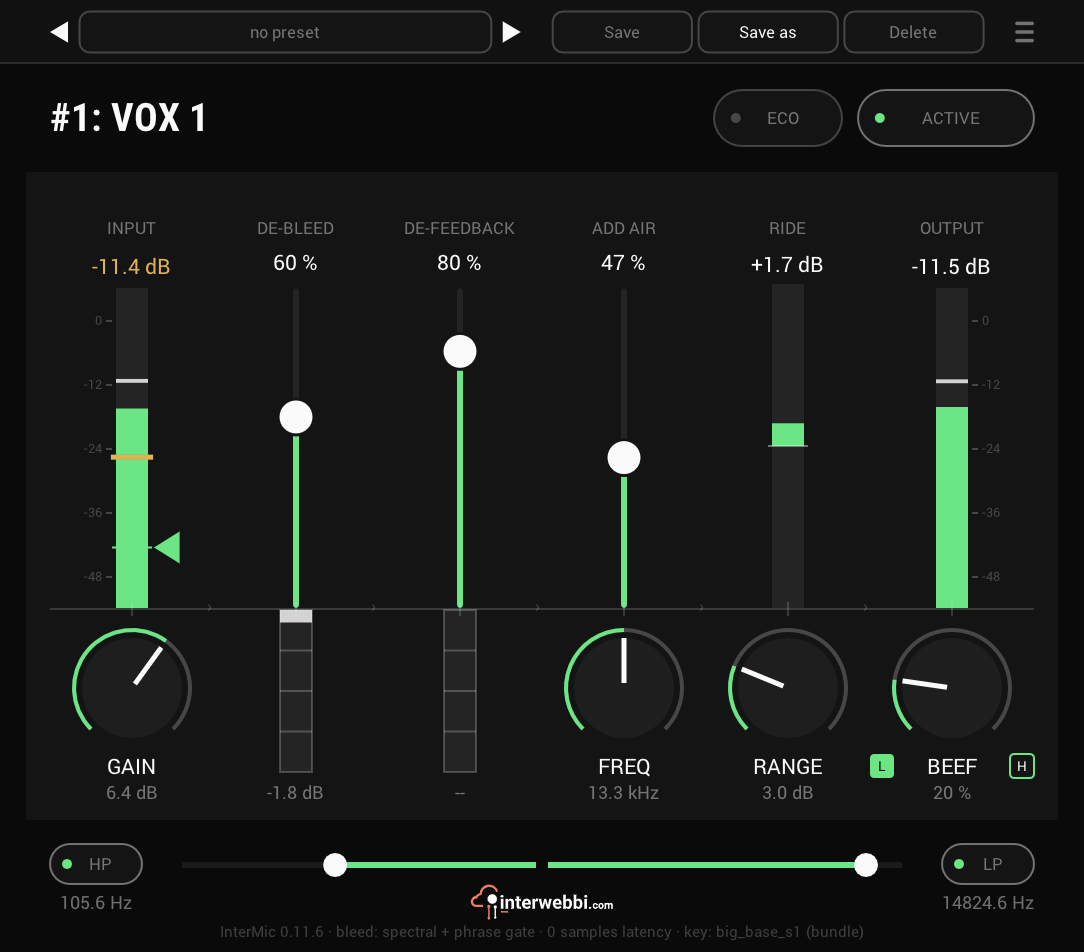
InterMic
A mic preamp for vocals, with saturation, air and a gain rider. Bleed and feedback removal come with it.
Compressor
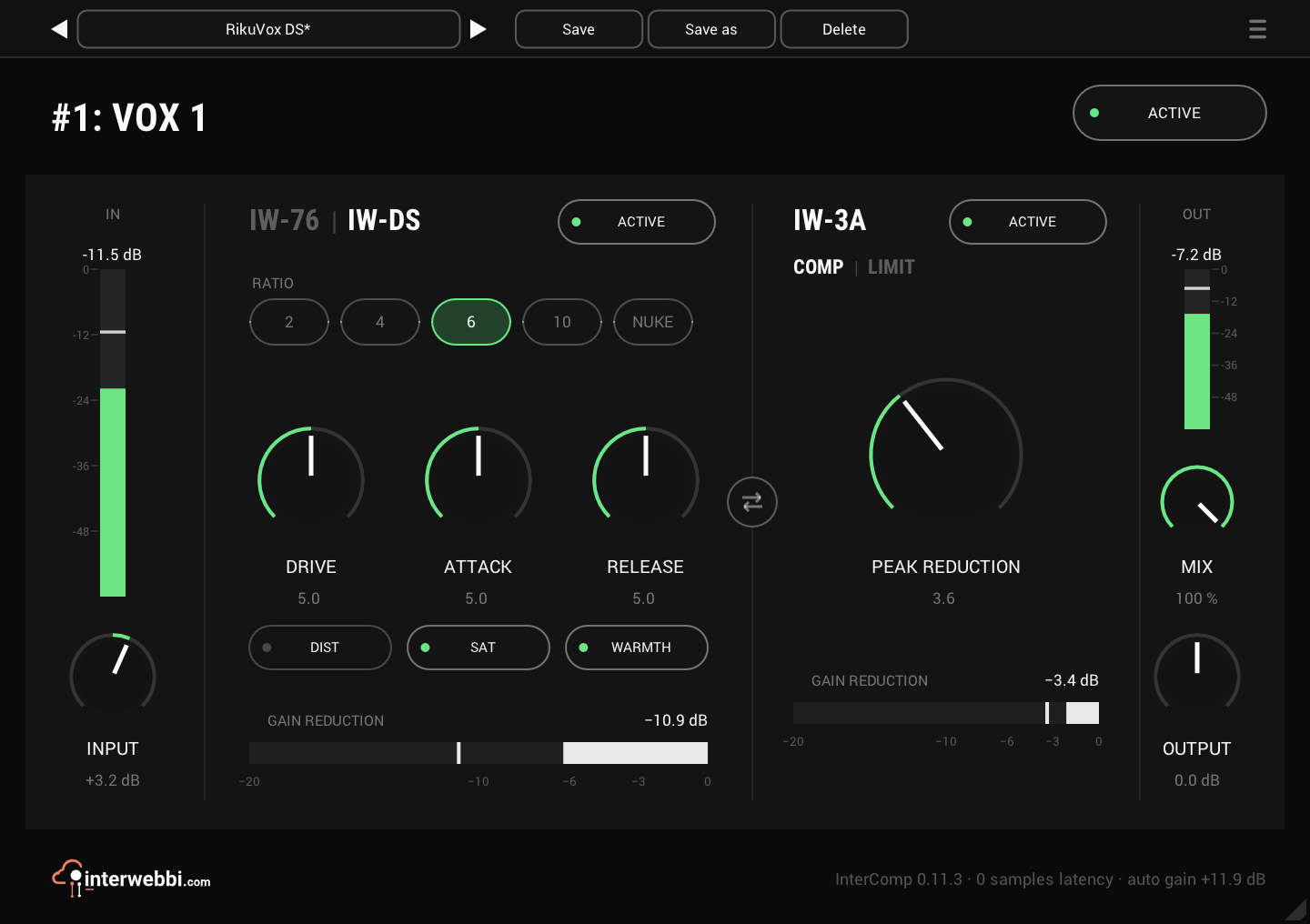
InterComp
A fast first stage with two characters, then a smooth optical leveller, with auto gain.
The Suite
InterMic, InterTone and InterComp, in one installer.