
Resonance, width, limiter
InterSilica
Shave the harshness. Seal the ceiling. A resonance suppressor, a one-knob stereo width and a limiter, in that order, for the master bus first and safe to put on many channels at once.
- Latency
- 0 samples
- CPU
- 0.3%, Apple M4 Pro
- Formats
- VST3, Audio Unit
- Platforms
- macOS, Windows
- Channels
- Mono, stereo, mono to stereo
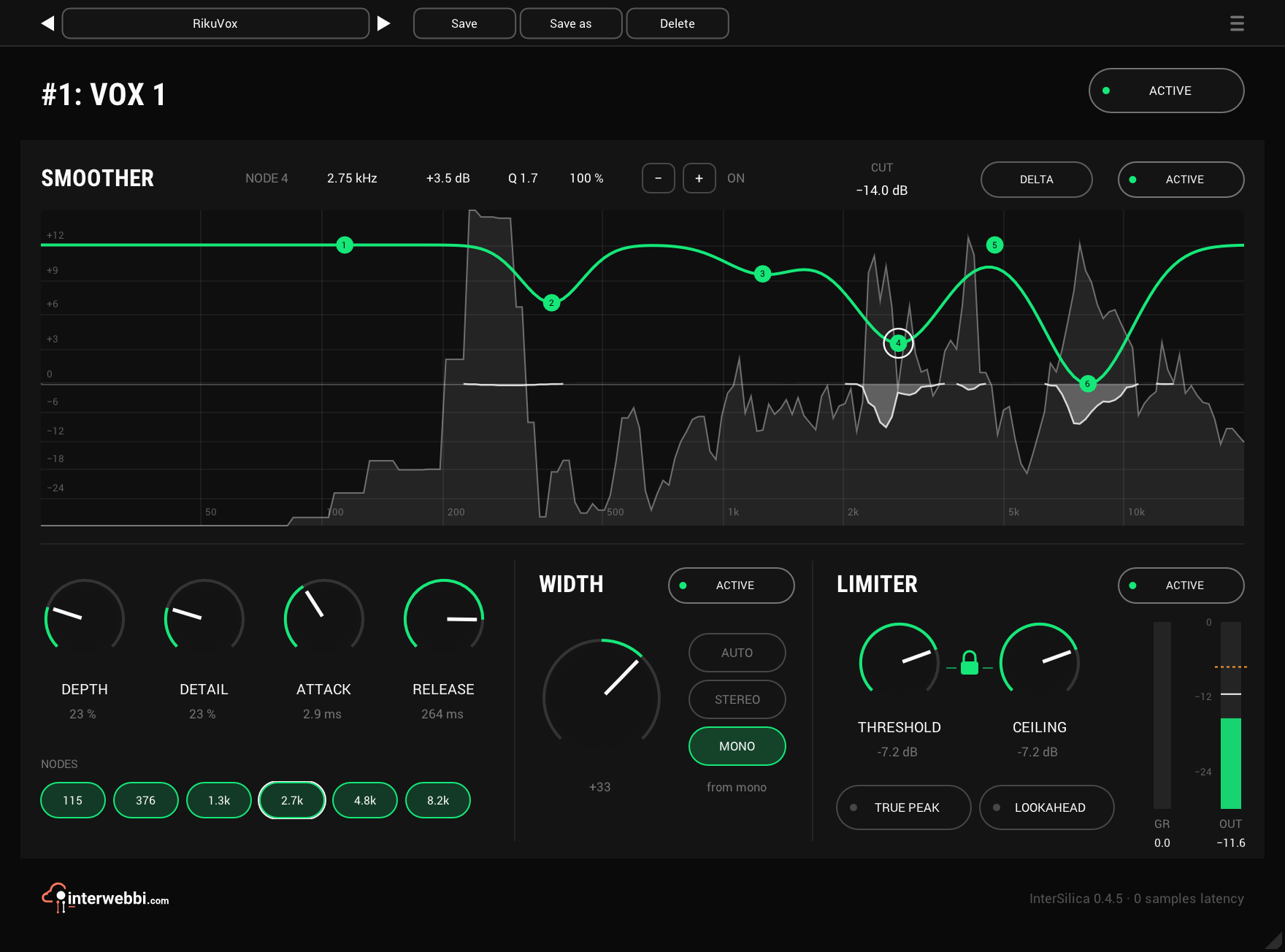
On the panel
Nodes
Six on SMOOTHER's analyzer. Pull one down and SMOOTHER cuts harder in that part of the spectrum.
Depth
How much the resonances SMOOTHER finds are cut, up to 20 dB each.
Delta
Hear only what SMOOTHER is taking out, while you move the nodes.
Width
One knob: left narrows toward mono, centre leaves the signal alone, right widens.
Auto, stereo, mono
Whether WIDTH treats the source as stereo or builds an image from mono. AUTO decides as a song starts.
Threshold and ceiling
Where limiting starts and the most that comes out, with a lock between them.
True peak and lookahead
Off by default. Either one adds 1.5 ms of latency, which the plug-in reports to the host.
SMOOTHER: shave the harshness
SMOOTHER finds the resonances that stand out from the music around them and cuts only those, as they happen. The six nodes set what counts as a resonance: each starts at the top, where it does nothing, and the further you pull it down, the harder SMOOTHER works there. DEPTH sets how hard it cuts, DETAIL how finely it tells a resonance from the material around it, and ATTACK and RELEASE how fast it moves. Both channels get the same cut, so the stereo image stays put.
The analyzer shows the input with the nodes over it, and what is being taken out hangs down from the 0 line, in dB on the same scale.
- Nodes
- Six, each with frequency, threshold, Q, depth and on/off
- Most cut
- 20 dB per resonance
- Attack
- 0.5 to 50 ms
- Release
- 10 to 500 ms
- Stereo
- Linked, the same cut on both channels
WIDTH: the image
One knob, left of centre toward mono and right of it wider. On a mono source it builds a stereo image. AUTO listens as a song starts, decides whether the source is mono or stereo, and holds that through the song; STEREO and MONO set it yourself. On a mono track with a mono output there is no image to set, and the panel says so.
A mono fold-down loses nothing, at any setting: left and right summed are exactly the input's mid. What WIDTH adds stays out of the bass, below 120 Hz, so a mono PA, a mono zone at front of house or a folded-down broadcast feed gets the source intact.
- Range
- -100, mono, to +100
- At 0
- The signal untouched
- Modes
- AUTO, STEREO, MONO
- Mono fold-down
- The input's mid, sample for sample
- Bass
- Nothing added below 120 Hz
LIMITER: seal the ceiling
THRESHOLD sets where limiting starts and CEILING the most that comes out. Lock the two and they move together, so you can pull THRESHOLD down to limit harder without getting louder. Release is automatic, so there is nothing to set at a soundcheck.
At zero latency the gain dips on each peak for a moment, held for 2 ms and released over 10 ms, so nothing is clipped, and a slow leveller answers sustained level. Switch on LOOKAHEAD and the gain is in place 1.5 ms before each transient arrives. TRUE PEAK holds the ceiling on the peaks between samples too, and turns LOOKAHEAD on to do it.
- Threshold
- -30 to 0 dB
- Ceiling
- -30 to 0 dB
- Release
- Automatic
- Lookahead
- Off, or 1.5 ms, reported to the host
- True peak
- Off, or on with lookahead
And also
A stage that is off costs nothing
Each stage has its own ACTIVE switch. Switched off, it is not processed at all, so with only SMOOTHER on you pay only for SMOOTHER.
The order is fixed
The limiter comes last, because anything after it would break the ceiling, and SMOOTHER first, so it works on the source rather than on a widened image.
Gain reduction in the host
LIMITER's gain reduction also shows in the host's own meters, in REAPER and Studio One.
Listen
Harsh lead vocal, before
Specs
- Latency
- 0 samples; 1.5 ms with LOOKAHEAD or TRUE PEAK on
- CPU
- 0.3% of a 14-core Apple M4 Pro, every stage on, stereo, 48 kHz
- Formats
- VST3, Audio Unit
- macOS
- Apple silicon and Intel
- Windows
- x64
- Channels
- Mono, stereo, mono in to stereo out
- Version
- 0.4.5
Download
New in 0.4.5
The first release of InterSilica.
- SMOOTHER, WIDTH and LIMITER in series, each with its own ACTIVE switch, and a stage that is off costs no CPU.
- Zero latency out of the box. LOOKAHEAD, or TRUE PEAK, adds 1.5 ms and reports it to the host.
The rest of the family
Mic preamp
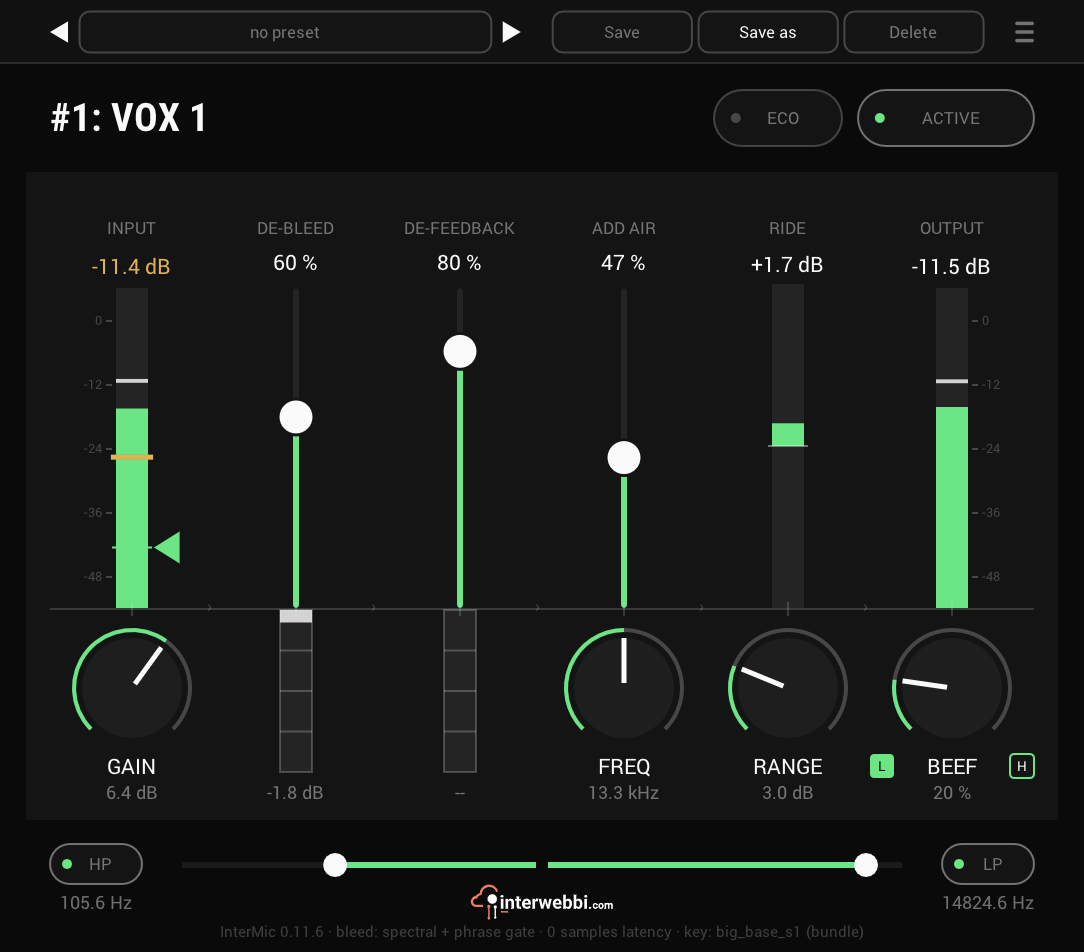
InterMic
A mic preamp for vocals, with saturation, air and a gain rider. Bleed and feedback removal come with it.
Adaptive tone
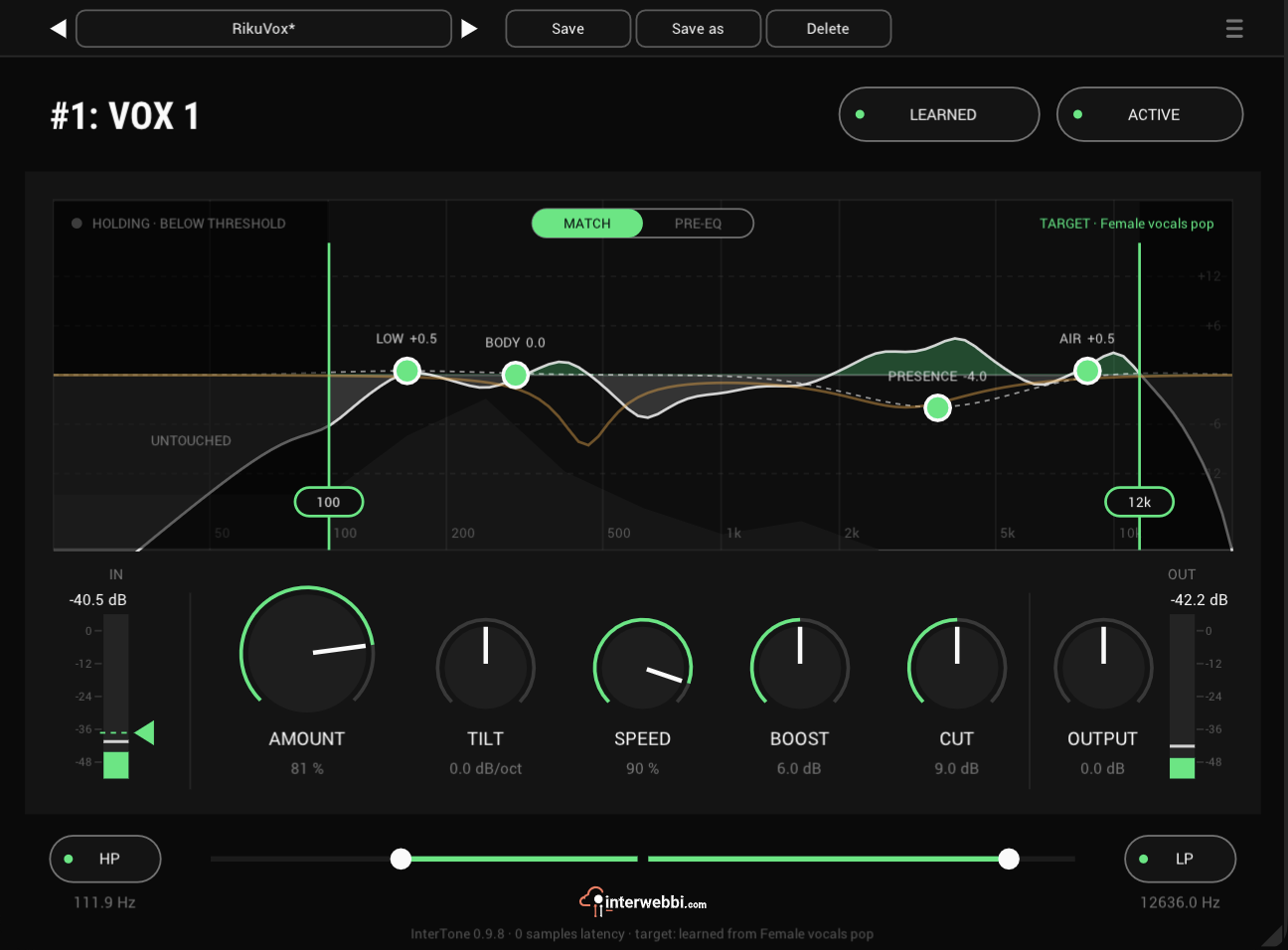
InterTone
Set the tone a source should have. It stays there as the playing changes, on vocals, guitars or drums.
Compressor
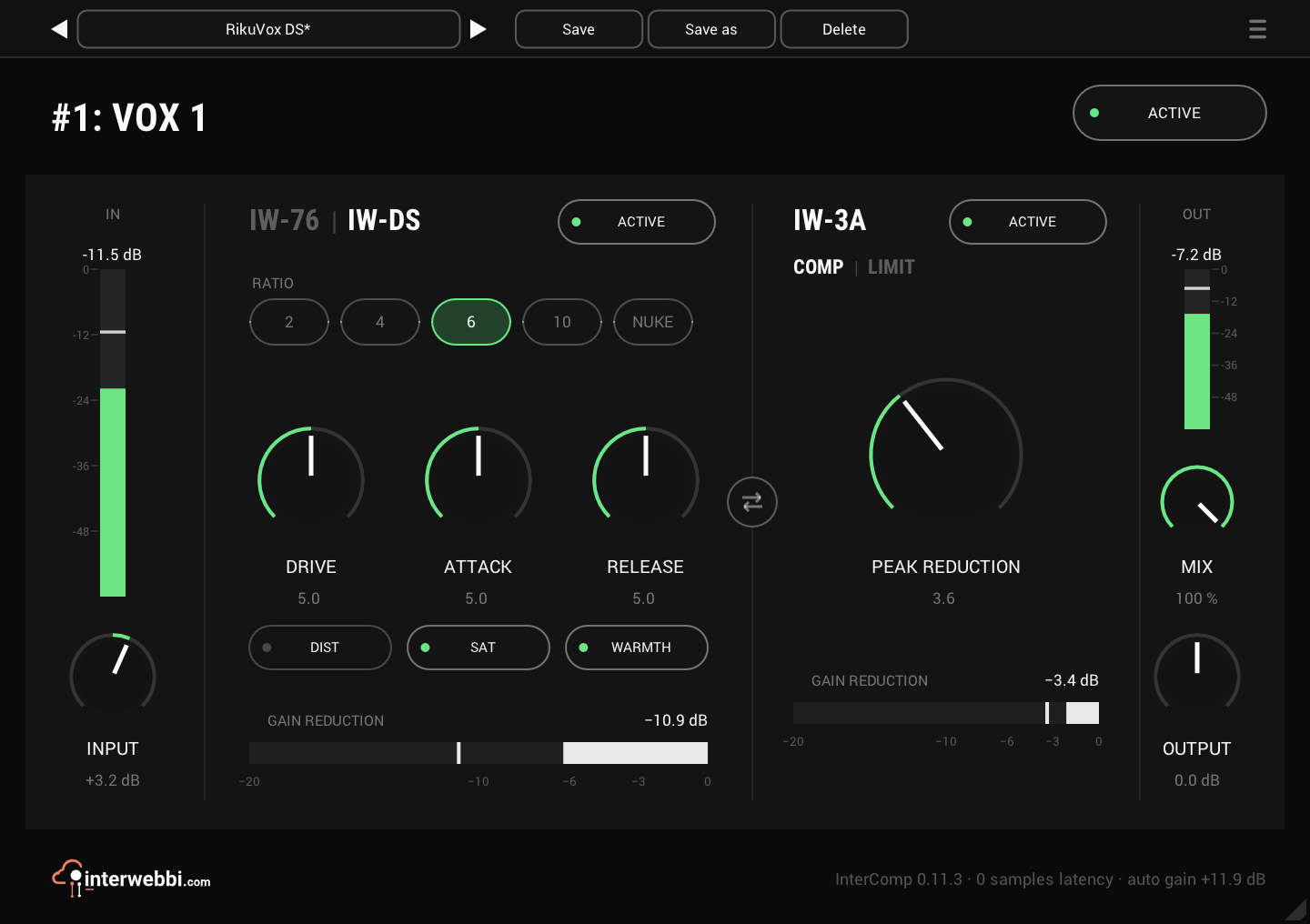
InterComp
A fast first stage with two characters, then a smooth optical leveller, with auto gain.
The Suite
Every Interwebbi plug-in, with one licence and one installer.